
Template Structure
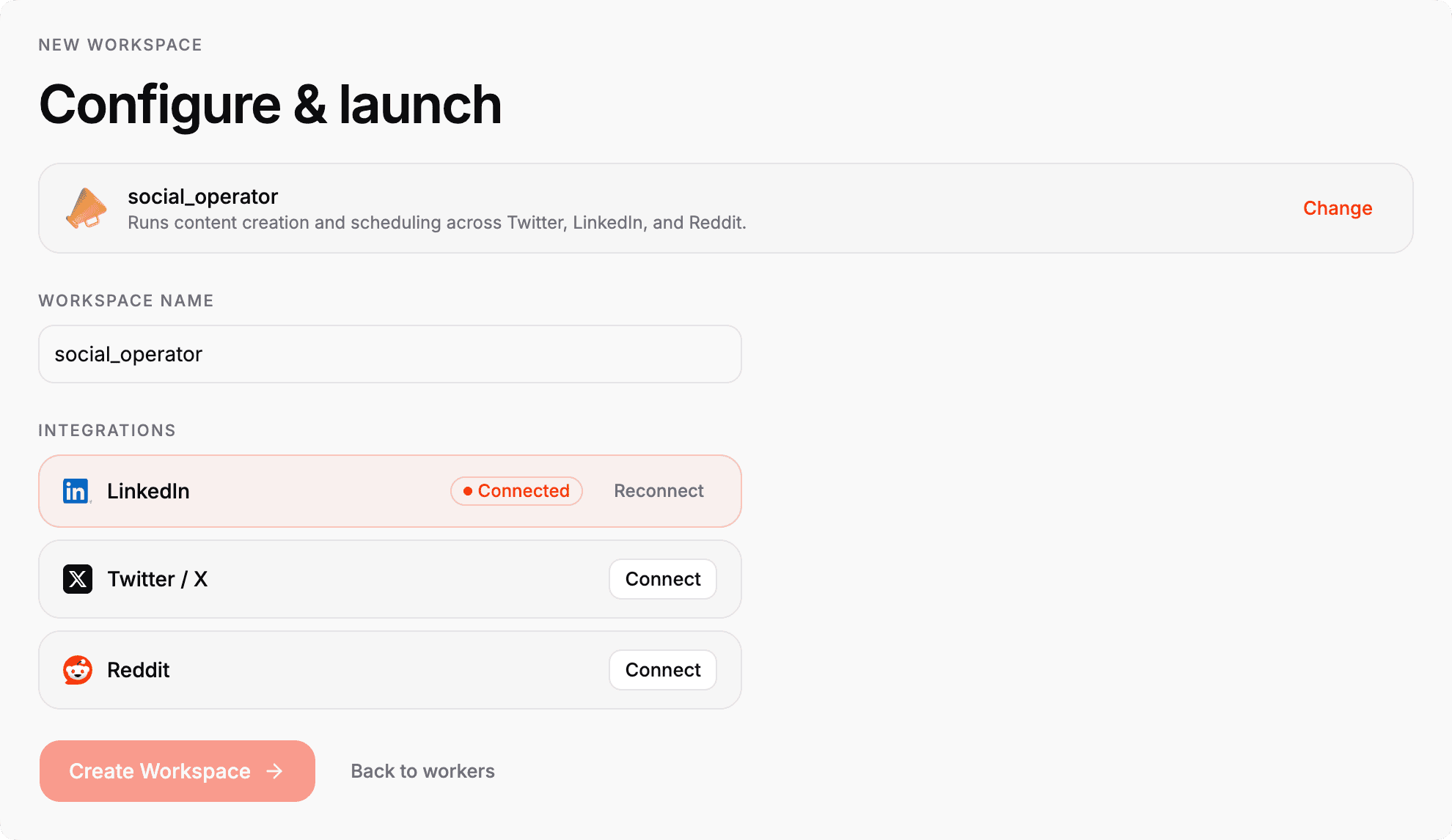
A template should feel like a complete workspace skeleton. It needs enough structure for the runtime to understand the workspace immediately, but it should still be small enough to copy and customize.
Typical layout
templates/<template-name>/
  AGENTS.md
  workspace.yaml
  ONBOARD.md
  skills/
    <skill-id>/
      SKILL.md
  apps/
    <app-id>/
      app.runtime.yaml
      ...
  docs/
  assets/
Not every template needs every folder. The important part is that the template is explicit about what it includes and why.
Core pieces
Recommended conventions
- Keep the template self-contained.
- Prefer simple paths and predictable names.
- Make the root files easy to scan first.
- Put app-specific runtime config next to the app.
- Avoid embedding live runtime state in the template.
From template to portable workspace
Workspaces can be created from:
- an empty scaffold
- a local template folder
- a marketplace template
All of those paths should materialize into the same workspace structure. The desktop creation flow should ensure required files such as workspace.yaml exist, and each created workspace should be initialized as its own local git repository for agent-managed checkpoints and recovery.
What should travel when a workspace is packaged
Workspace portability is only useful when the exported package carries the reusable operating unit rather than transient runtime residue.
Packaging should keep:
- the workspace plan and instruction surface
- selected apps and skills
- template metadata
- durable workspace definition
Packaging should omit:
- runtime state
.holaboss/- common build outputs
node_modules.env*- logs
- database files
- obviously sensitive filenames
- non-selected apps
Example template shapes
Social operator
This is a workspace template for content workflows. It typically includes:
- the core workspace policy in
AGENTS.md - a runtime plan in
workspace.yaml - one or more skills that support proactive behavior
- app manifests for the content apps the workspace should start with
Runtime config pipeline example
This is a smaller template used to exercise runtime configuration and packaging flows. It is useful when you want to verify that workspace materialization and runtime bootstrap still behave correctly after changes.
WARNING
Templates are copied into a workspace. If you need runtime-generated state, secrets, or machine-local files, keep them out of the template and let the runtime create them.
Checklist
Before publishing a template, confirm that:
- the template has a clear purpose
- the workspace starts in a usable state
- required files are documented
- app manifests and skill files are present where expected
- the template can be referenced by a tag or commit SHA